
Page History
...
- Attachment area on the top. Drop the files there, specially machine backup, error logs, or other files required to explain the situation. (50Mb max)
- Outline of the problem, subject. Write there short abstract, topic name related to the fault, or warranty target etc.
- Customer Name is the name of the customer were the machine is currently located, owner of the machine.

- Status Machine Down, Select in case when machine can't be used for production, is not operational, can't be powered on etc.
- Status Production Possible, Select in case when machine can produce, almost all operations possible, accuracy is reduced or slowed down etc.
- Area Machine Software, Select when the problem is related to the machine internal application software or operating system.
- Area Machine Hardware, Select when the problem is related to the machine internal hardware parts, servo driver, shafts, nozzles also included.
- If You are not sure what to select chose most suspicious area.
-
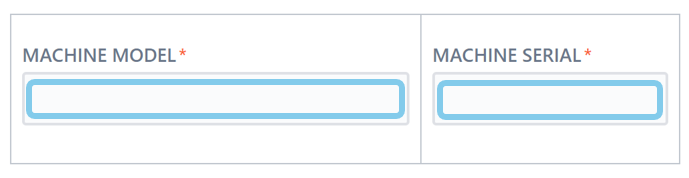
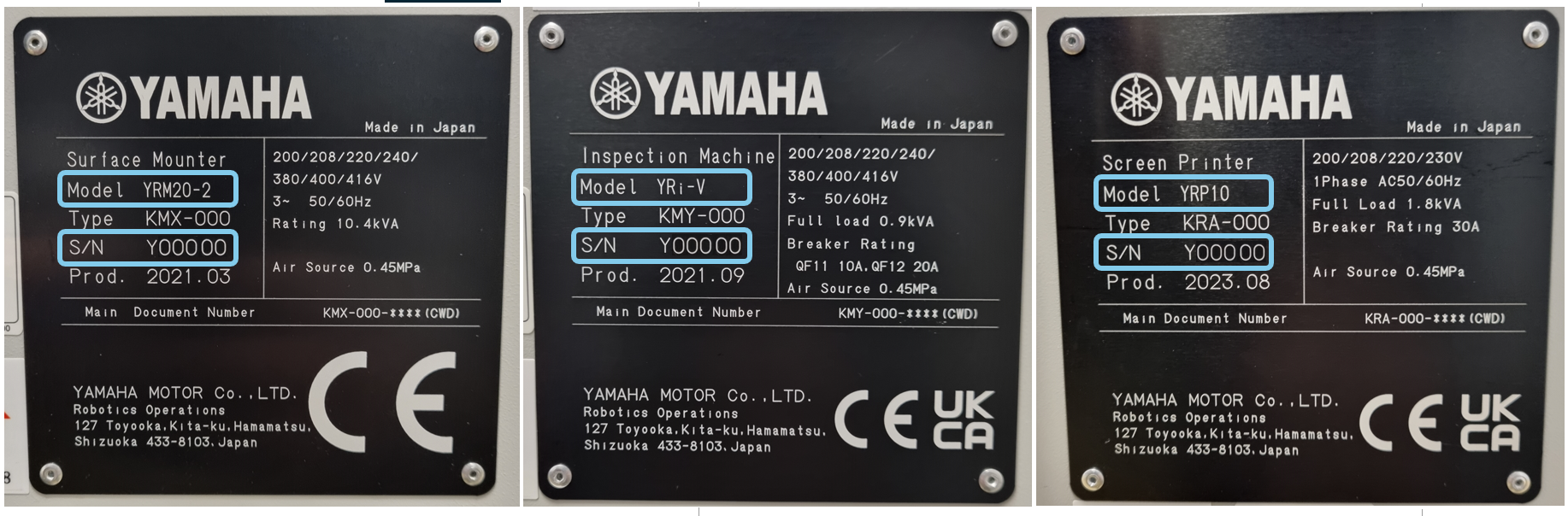
- Machine Model, type there exact model of the machine from the machine serial number plate if possible. example(YSM20R-2)
- Machine Serial, S/N is located on the machine name plate, please always verify if it match witch machine software.
- Machine name plate example:
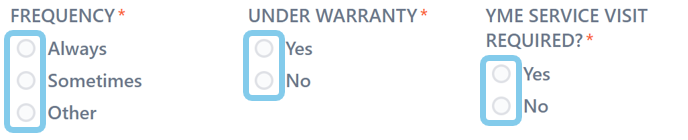
- Frequency, Select the occurrence frequency of the reported trouble. In case of Other in The Field Details/ Action how often.
- Under Warranty, Select Yes or No, depending on the known warranty status.
- YME Service Visit Required, Select Yes in case when You require Yamaha engineer visit on the customer side.
...
- Error Code, Type the exact error code displayed on the machine screen.
- Error Date, Select error occurrence date.
- Error Time, Select error occurrence time. (Date and Time are important, allow us to analyze the machine logs faster)
- When, Select when the trouble occur. (multiselecting possible)
- Where, Select the area/location of the trouble. (multiselecting possible) After selecting, detailed area become visible.
- Other, Select in case when You want to type different option, value, location.
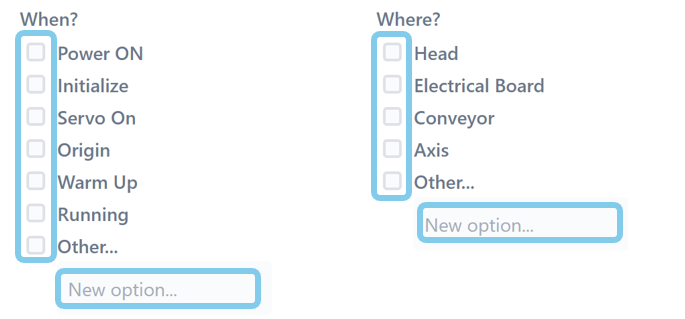
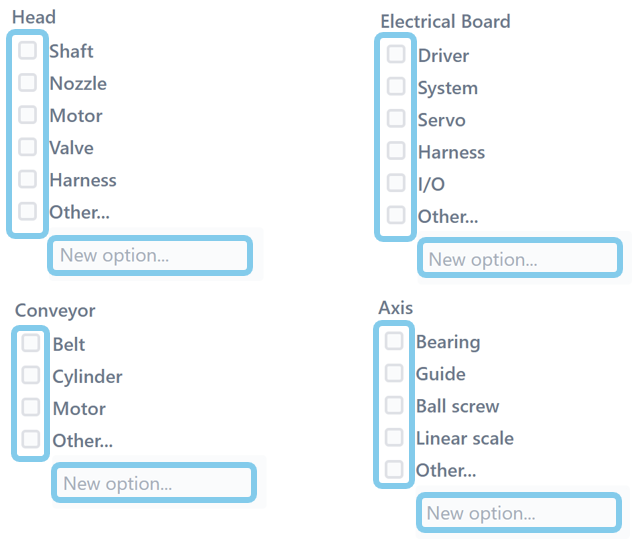
- Head, Electrical Board, Conveyor, Axis, Those possibilities become visible after selecting Where checkboxes.
- Select exact location of the trouble or type manually as a new option. (multiselecting possible)
...
Overview
Content Tools